
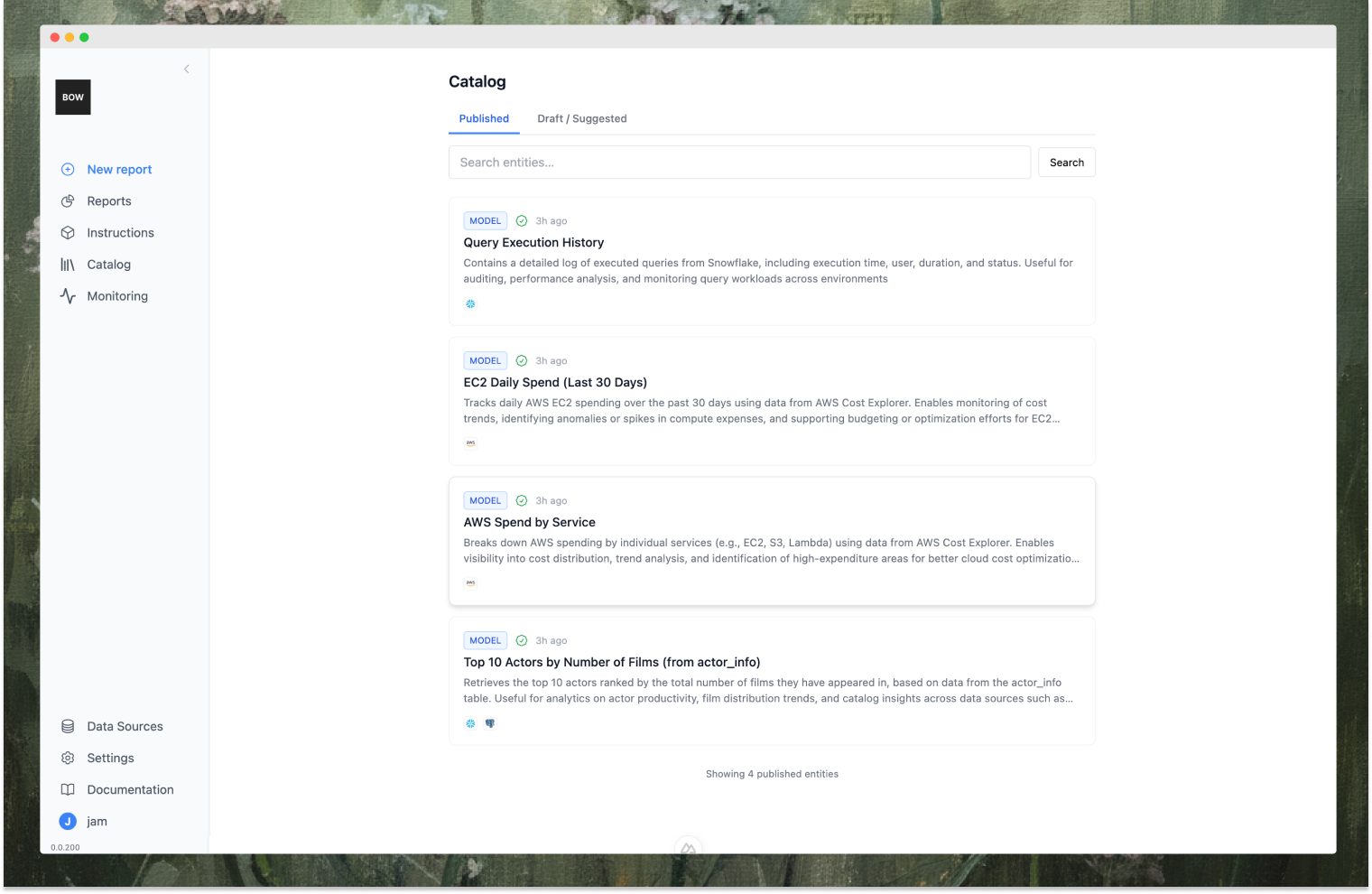
What is an Entity?
An Entity contains:- Metadata: Title, description, tags, type (model or metric)
- Code: SQL or Python code
- Structure: Column definitions and result shape
- Data sources: Linked database connections
- Execution history: Last refreshed timestamp and result data
Saving Entities
Save entities from report steps by clicking “Save to Catalog” (admins) or “Suggest to Catalog” (members). Permissions:- Admins (
create_entities): Save directly as Draft or Published - Members (
suggest_entities): Submit suggestions for admin review (private until approved)
- Type: Model (dataset/table) or Metric (calculated value/KPI)
- Title: Short name
- Description: What it does and when to use it
- Data Sources: Which databases it uses (defaults to report’s sources)
- Tags: Keywords for discovery
Editing and Running Entities
Open an entity to edit: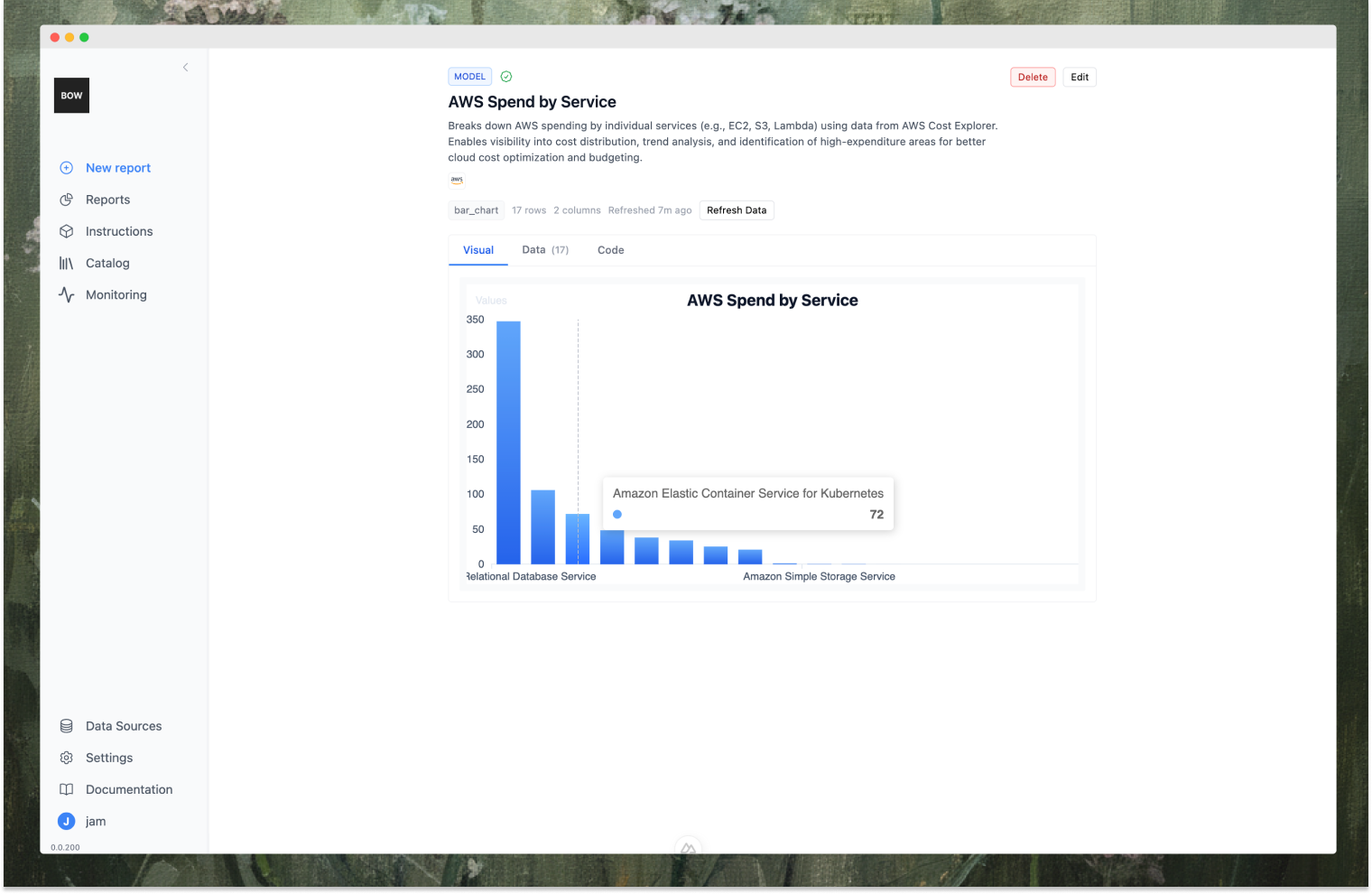
- Preview: Run code without saving changes (returns table preview or error)
- Run and Save: Execute code, store results, update last refreshed timestamp
Entity Lifecycle
Member Workflow:- Save from report → Status: Draft, Visibility: Private, Global Status: Suggested
- Admin reviews: Approve (→ Published, globally visible) or Reject (→ Archived, private)
- Withdraw: Pull back suggestion before approval (→ private, published)
- Save from report as Draft or Published (Global Status: Approved, no review needed)
- Edit any entity, review suggestions, archive outdated entities
Visibility and Access
Data Source Permissions: Users only see entities whose data sources they can access. Entity Status:- Published + Approved: Visible to everyone with data source access
- Draft/Suggested/Archived: Only visible to owner and admins