> ## Documentation Index
> Fetch the complete documentation index at: https://docs.bagofwords.com/llms.txt
> Use this file to discover all available pages before exploring further.
# Quickstart
Get started with Bag of words in minutes. Install, configure, and start chatting with your data.
## Install with Docker
You can install Bag of words with a single docker command. By default, it will use SQLite as the database.
You can also configure it to use PostgreSQL by passing `BOW_DATABASE_URL` environment variable.
```bash theme={null}
docker run --pull always -d -p 3000:3000 bagofwords/bagofwords
```
To use PostgreSQL, you need to set the `BOW_DATABASE_URL` environment variable.
For example: `BOW_DATABASE_URL=postgresql://postgres:postgres@localhost:5432/bagofwords`
## Onboarding
After installation, complete the onboarding flow to set up your AI analyst.
### 1. Welcome
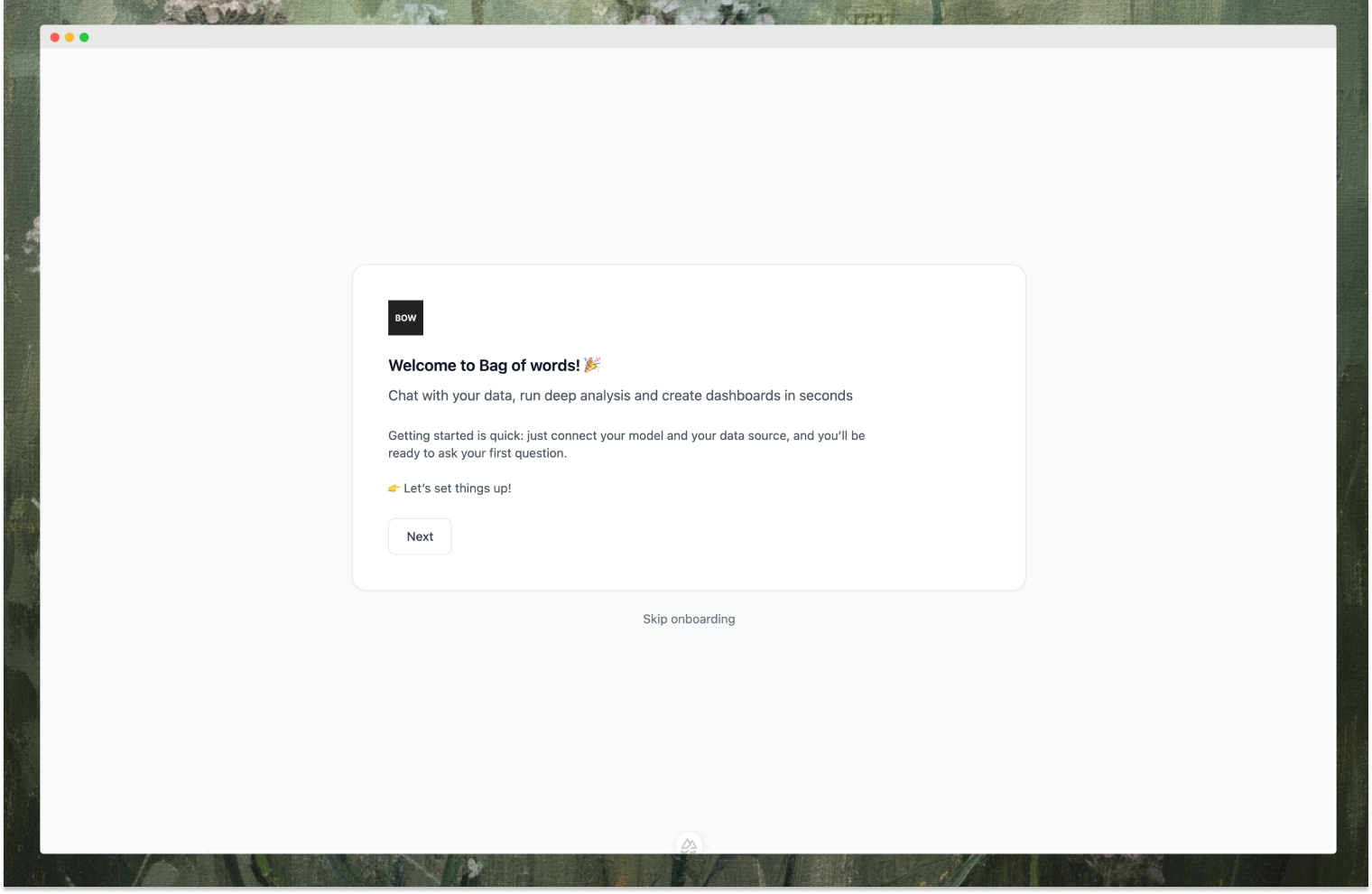
Start by clicking **Next** to begin the setup process.
 ### 2. Configure LLM
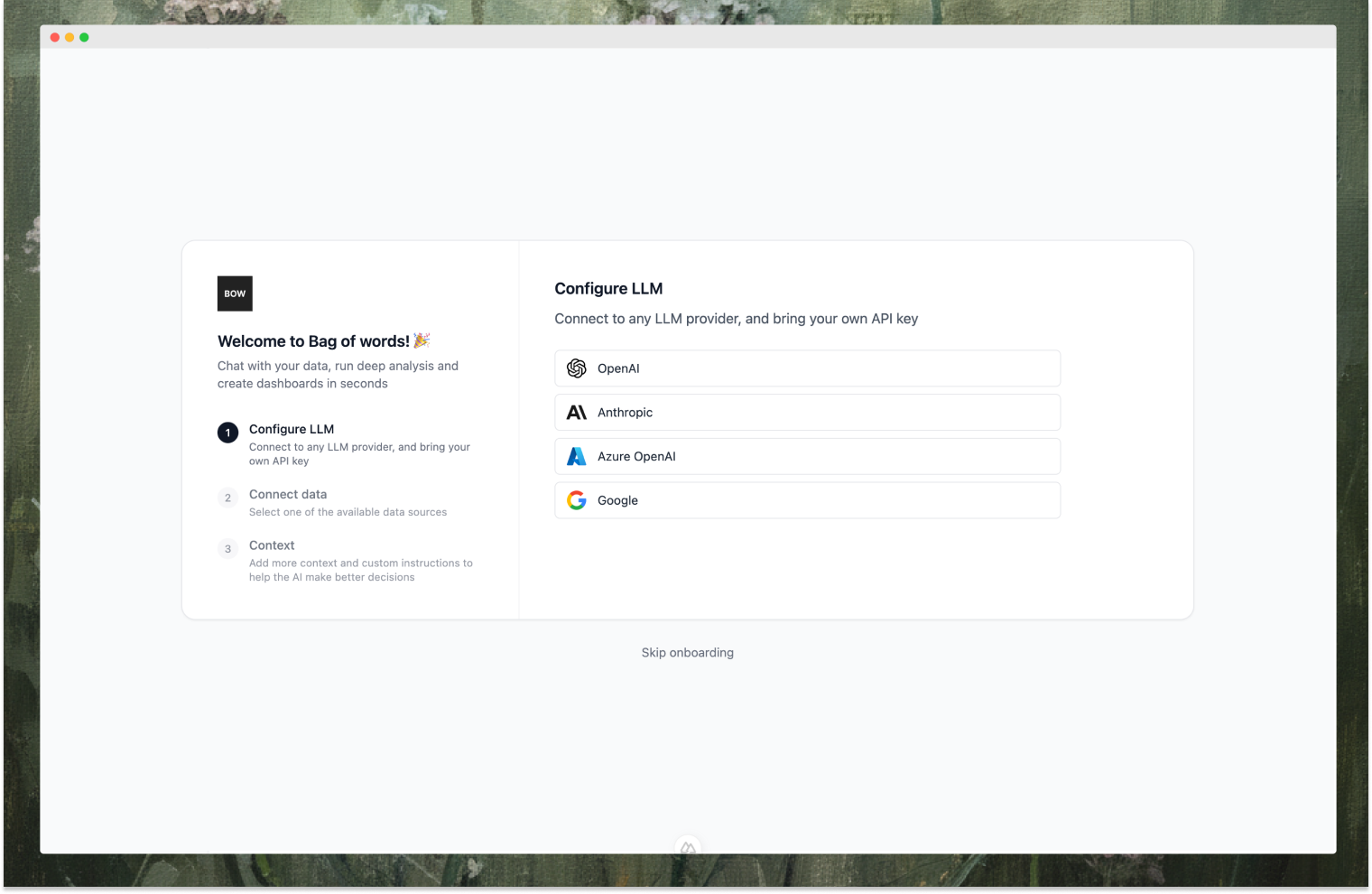
Connect to any LLM provider and bring your own API key. Choose from OpenAI, Anthropic, Azure OpenAI, or Google.
### 2. Configure LLM
Connect to any LLM provider and bring your own API key. Choose from OpenAI, Anthropic, Azure OpenAI, or Google.
 ### 3. Connect Data Source
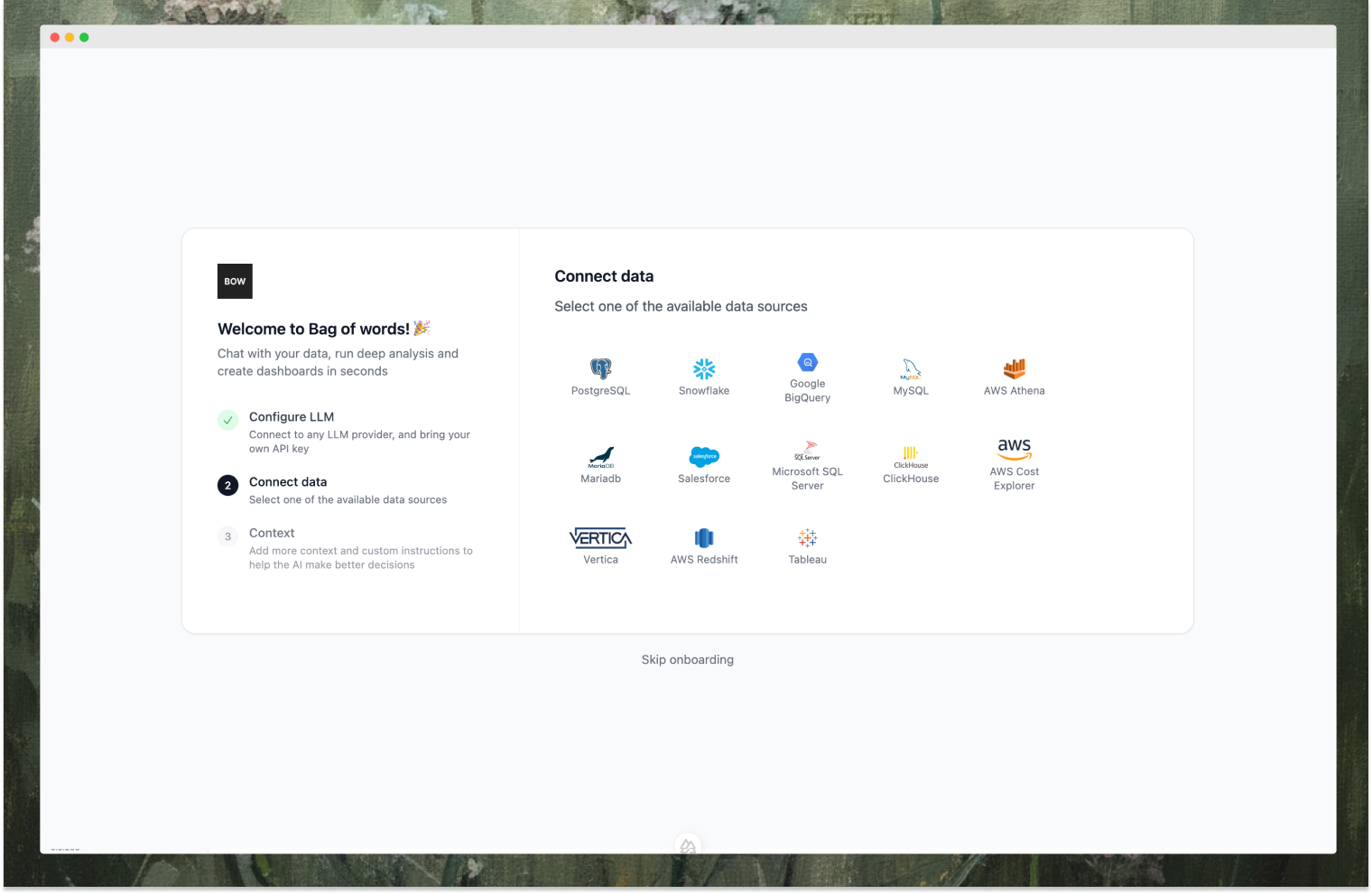
Select one of the available data sources: PostgreSQL, Snowflake, BigQuery, MySQL, AWS Athena, Salesforce, and more.
### 3. Connect Data Source
Select one of the available data sources: PostgreSQL, Snowflake, BigQuery, MySQL, AWS Athena, Salesforce, and more.
 Enter your connection details (host, port, database, credentials) and test the connection.
### 4. Select Tables
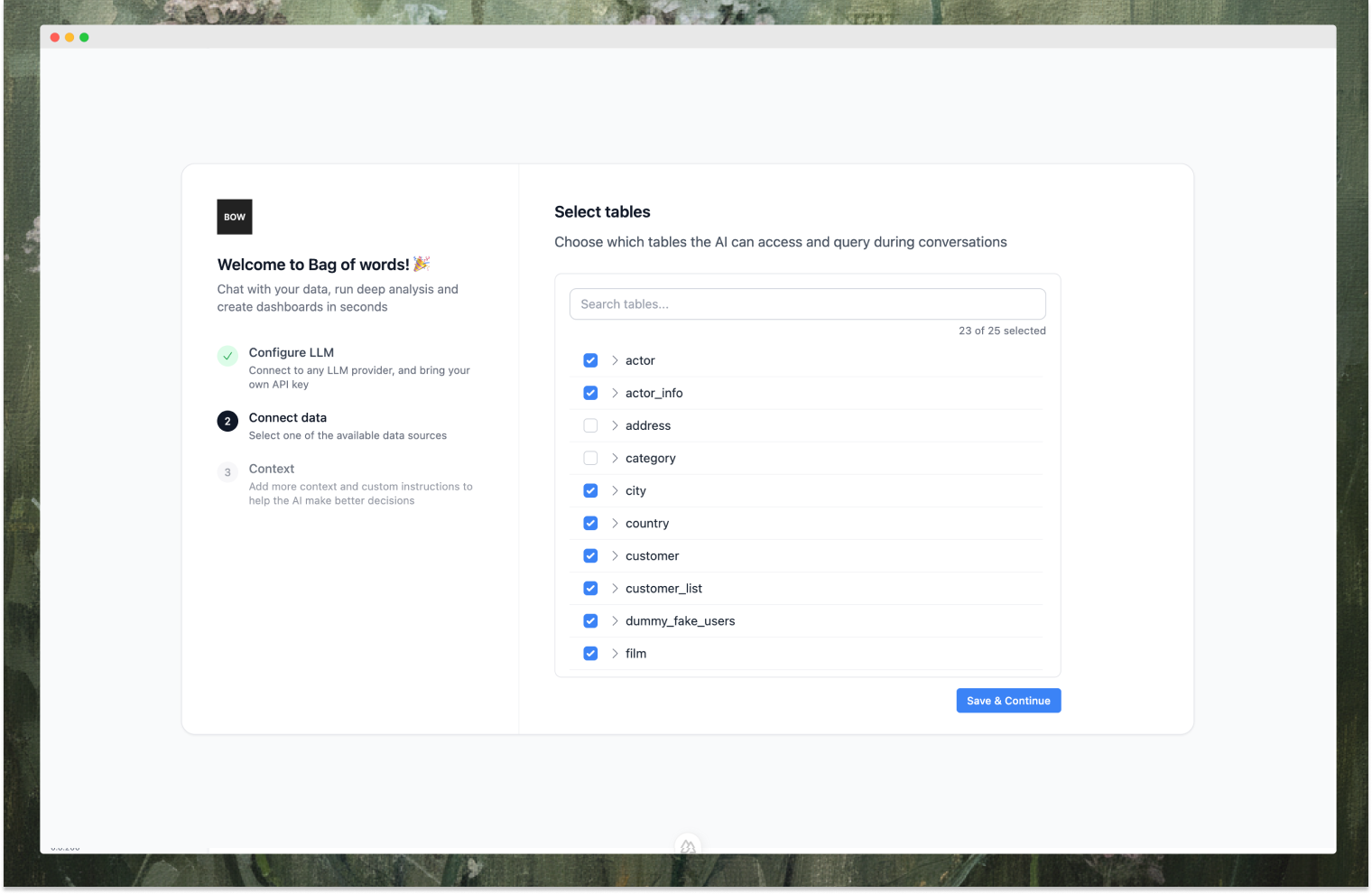
Choose which tables the AI can access and query during conversations. You can select all or specific tables based on your needs.
Enter your connection details (host, port, database, credentials) and test the connection.
### 4. Select Tables
Choose which tables the AI can access and query during conversations. You can select all or specific tables based on your needs.
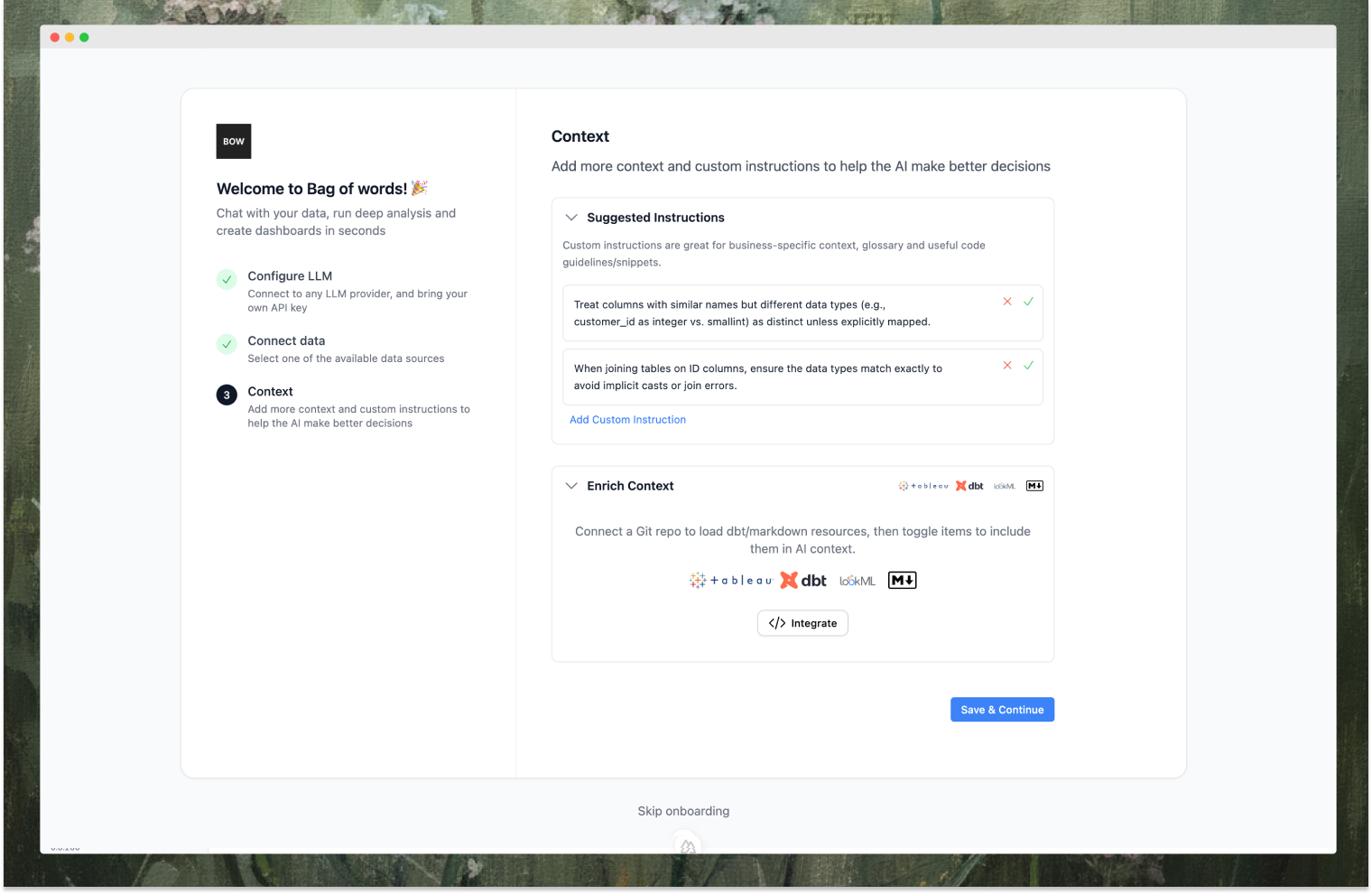
 ### 5. Add Context
Add custom instructions and enrich context to help the AI make better decisions. You can:
* **Suggest Instructions**: Add business-specific context, glossary, and code guidelines
* **Enrich Context**: Connect Git repos to load dbt/markdown resources, then toggle items to include them in AI context
### 5. Add Context
Add custom instructions and enrich context to help the AI make better decisions. You can:
* **Suggest Instructions**: Add business-specific context, glossary, and code guidelines
* **Enrich Context**: Connect Git repos to load dbt/markdown resources, then toggle items to include them in AI context
 ### 6. Start Asking Questions
Setup complete! You can now start asking questions in natural language. Create reports, dashboards, and get the data you need.
### 6. Start Asking Questions
Setup complete! You can now start asking questions in natural language. Create reports, dashboards, and get the data you need.
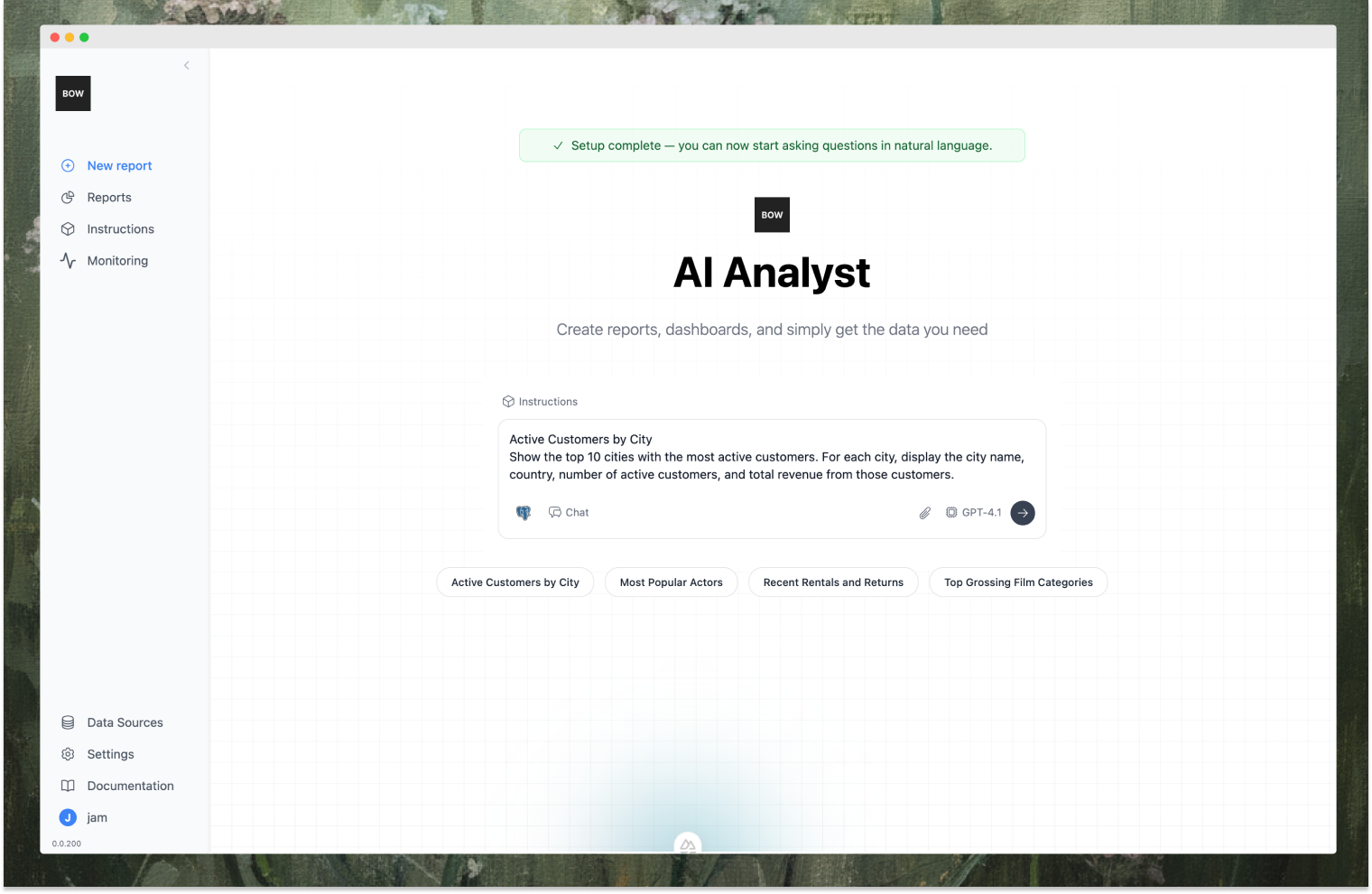 Use the conversation starters or type your own questions to begin analyzing your data.
## Next Steps
**Learn how to use Bag of words:**
Learn how to ask questions and iterate on results
Build visual stories with charts and tables
Guide your AI with custom business rules
**Understand how it works:**
Deep dive into the reasoning loop and tools
How Bag of words constructs context for every run
Use the conversation starters or type your own questions to begin analyzing your data.
## Next Steps
**Learn how to use Bag of words:**
Learn how to ask questions and iterate on results
Build visual stories with charts and tables
Guide your AI with custom business rules
**Understand how it works:**
Deep dive into the reasoning loop and tools
How Bag of words constructs context for every run